
Fancy Font Generator – Make Every Bio, Post & Username Unforgettable
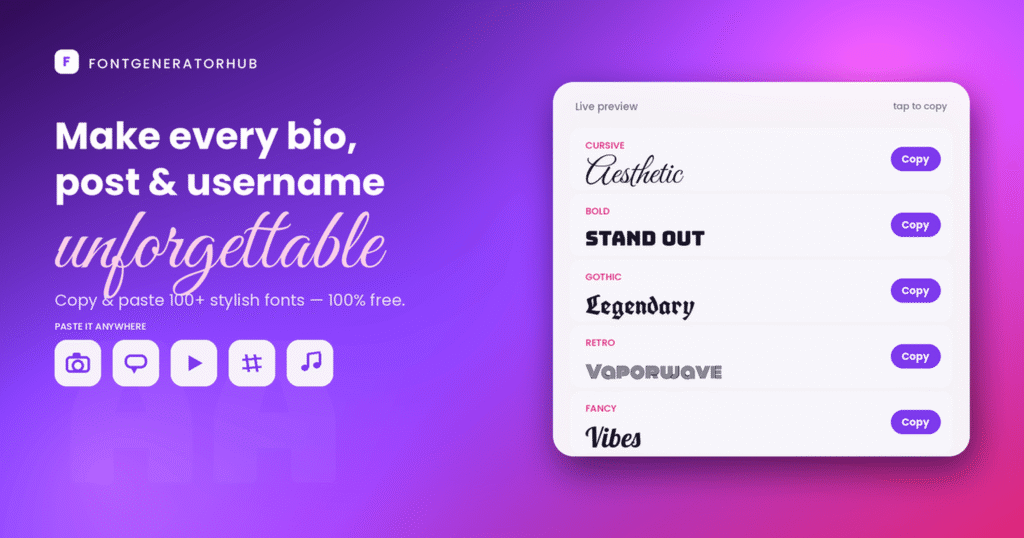
500+ cool, stylish & aesthetic fonts — 𝗷𝘂𝘀𝘁 𝗰𝗼𝗽𝘆 & 𝗽𝗮𝘀𝘁𝗲. Type your text below and watch it turn into bold, cursive, aesthetic, and dozens of other styles instantly. Works on Instagram, TikTok, Discord & more. No app, no sign-up, no limits.
By the Fonts Generator Hub team · Updated Oct 10, 2026
Not Sure Where to Start?
Jump straight to the right tool for what you need:
- Styling an Instagram bio or name? → Instagram Fonts
- Want one phrase to stand out? → Bold Text Generator
- Making a gaming username? → Gaming Fonts
- After a soft, aesthetic vibe? → Aesthetic Fonts
- Need a spooky or glitchy look? → Creepy or Cursed Text
- Formatting a LinkedIn post? → LinkedIn Text Formatter
What Is a Font Generator & How Does It Work?
A font generator turns the text you type into stylish characters you can copy and paste anywhere — no app, download, or sign-up. Type a word once, and it instantly shows dozens of styles to pick from.
These aren’t downloadable fonts (like a .ttf file). They’re Unicode characters — special letters built into every modern phone, computer, and browser. When you type “A,” the generator maps it to a Unicode version: bold 𝐀, cursive 𝒜, gothic 𝔄, and so on. Because the result is real text (not an image), it pastes into almost any app and looks the same to everyone.
How to use it:
- Type your text in the box above.
- Pick a style — scroll or use the category bar (Bold, Aesthetic, Cool, and more).
- Copy & paste — tap Copy and paste it anywhere you can type.
New to fancy fonts? Learn how they work in depth.
Where Do Copy-Paste Fonts Work?
| Platform | Fonts in bio/name? | Native formatting in posts/chat? |
|---|---|---|
| ✅ Yes | ❌ None | |
| TikTok | ✅ Yes | ❌ None |
| ✅ Yes | ❌ None | |
| Discord | ✅ Yes (names) | ✅ Yes (**bold**, *italic*) |
| ✅ Yes (name/About) | ✅ Yes (*bold*, _italic_) | |
| Telegram | ✅ Yes (name/bio) | ✅ Yes (built-in menu) |
| ✅ Yes | ❌ None | |
| X (Twitter) | ✅ Yes | ❌ None |
Rule of thumb: use copy-paste Unicode fonts for names & bios everywhere; in Discord, WhatsApp, and Telegram chats, use their built-in formatting instead.
Explore All Our Font & Text Tools
Beyond the main font generator, we’ve built a focused tool for every style and effect — each one free, copy-and-paste, and no sign-up.
Font Styles
Text Effects
Social Media Fonts
Gaming Fonts
You can also frame text with the text decorator.
Fancy Fonts Readability: Seeing Boxes (▯) After Pasting It? Here are the Tips to Avoid Them
A few honest tips to get the best results:
- Don’t overdo it. One styled name or highlighted line stands out more than a whole paragraph of fancy text.
- Keep important info readable. Screen readers may skip styled characters, and platform search may not match them — so keep your key details (contact, keywords) in plain text somewhere too.
- Match the mood. Cursive suits aesthetic bios; bold and gothic fit gaming tags; clean styles suit professional profiles.
- Seeing boxes (▯) or question marks? That just means the device viewing it doesn’t support that character — switch to a widely supported style like Bold, Italic, or Monospace.
Curious what’s behind the styled text? Find the Unicode character behind any fancy text →
Is it Free and Private?
Yes — the tool is completely free with no sign-up and no limit on how much you convert. It also runs entirely in your browser, so your text never leaves your device or gets stored on a server.
Frequently Asked Questions
Is the font generator free?
Yes. It’s 100% free, with no account and no limit on how much text you can style.
Will these fonts work on Instagram, Discord, and TikTok?
Yes. They’re standard Unicode characters, so they display in bios, captions, usernames, and chats across all major platforms.
Are these real fonts?
No — they’re Unicode characters styled to look like different fonts. That’s why you can copy and paste them without installing anything.
Why does my text look slightly different on someone else’s phone?
Different systems (iOS, Android, Windows) render Unicode characters a little differently, so a style may look slightly thicker or thinner depending on the device viewing it.
Is there a character limit?
Not in this tool — type as much as you want. The app you paste into (like an Instagram bio) will still apply its own limit.
Do you store the text I type?
No. Everything is processed in your browser, so your text stays on your device.
Bottom Line
Type your text, pick a style, and copy it — that’s all it takes to turn plain words into stylish fonts you can paste anywhere. Use it to make your bio, username, or caption stand out, and keep your most important info in plain text so everyone can read and find it.